Your first project with the Raspberry Pi
If you want to learn something new, it is a good idea not to start from scratch, but to use proven projects on your computer. A good starting point for the Raspberry Pi is this site created by the Raspberry Pi Foundation:
Here you find 100s of free coding and computing projects with step-by-step instructions. You do not need to login in to use these projects. Only if you want to track your advances.
Scratch
Especially for younger children programming with Scratch is a good starting point:
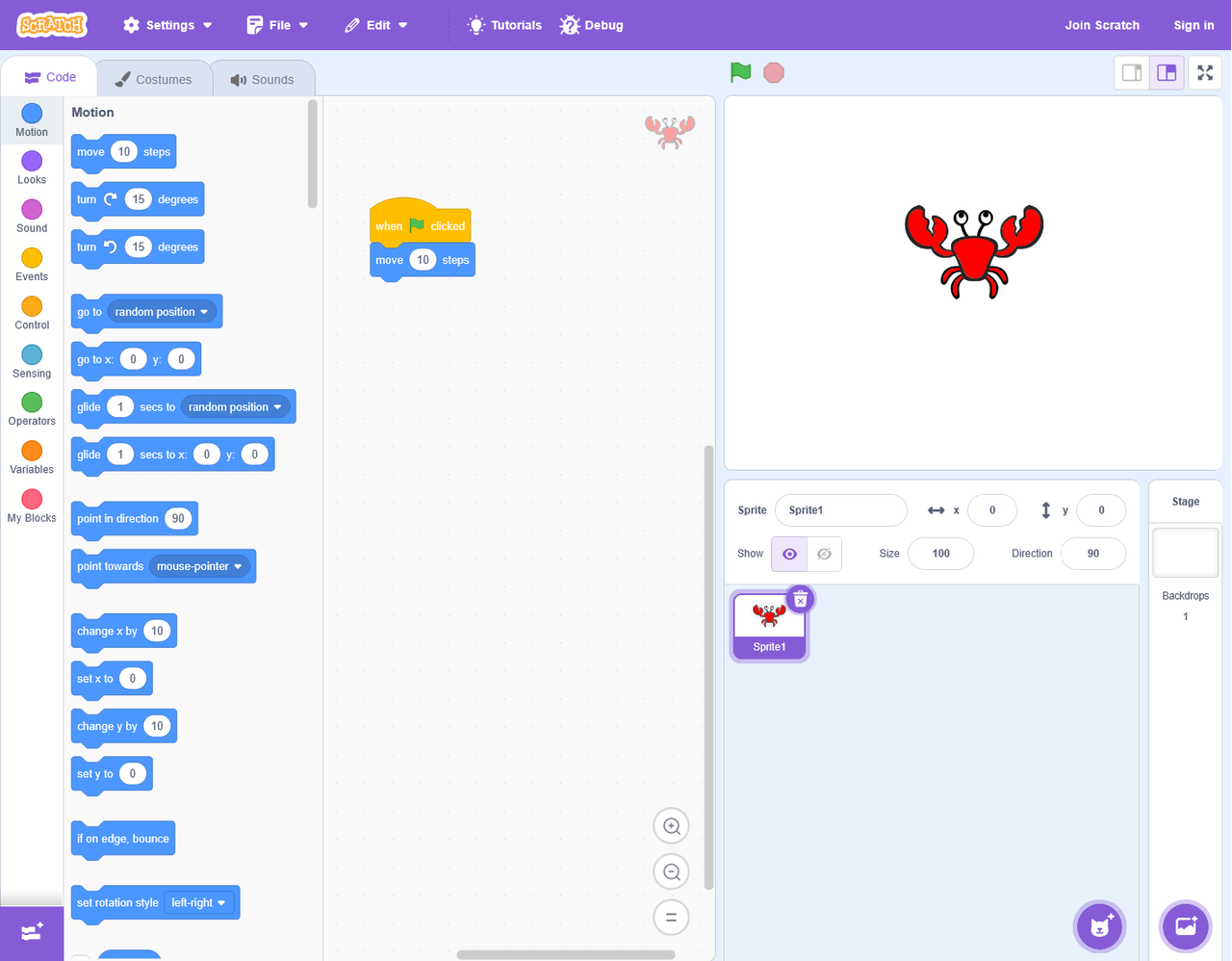
Source: wikipedia.org
Scratch is a high-level, block-based visual programming language aimed primarily at children of ages 8 to 16. You create projects by putting blocks together. Scratch is developed by the MIT Media Lab and has been translated into 70+ languages, being used in most parts of the world.
For the Raspberry Pi there is an offline version of Scratch. No need to visit the Scratch website. Therefore no internet connection is necessary to program with Scratch.